How to Clean a Phone Charging Port Safely: Tools, Steps and Mistakes
Clean a phone charging port with the phone off, a light and a wooden or plastic pick. See the safe steps, what never to use and when to get a repair.
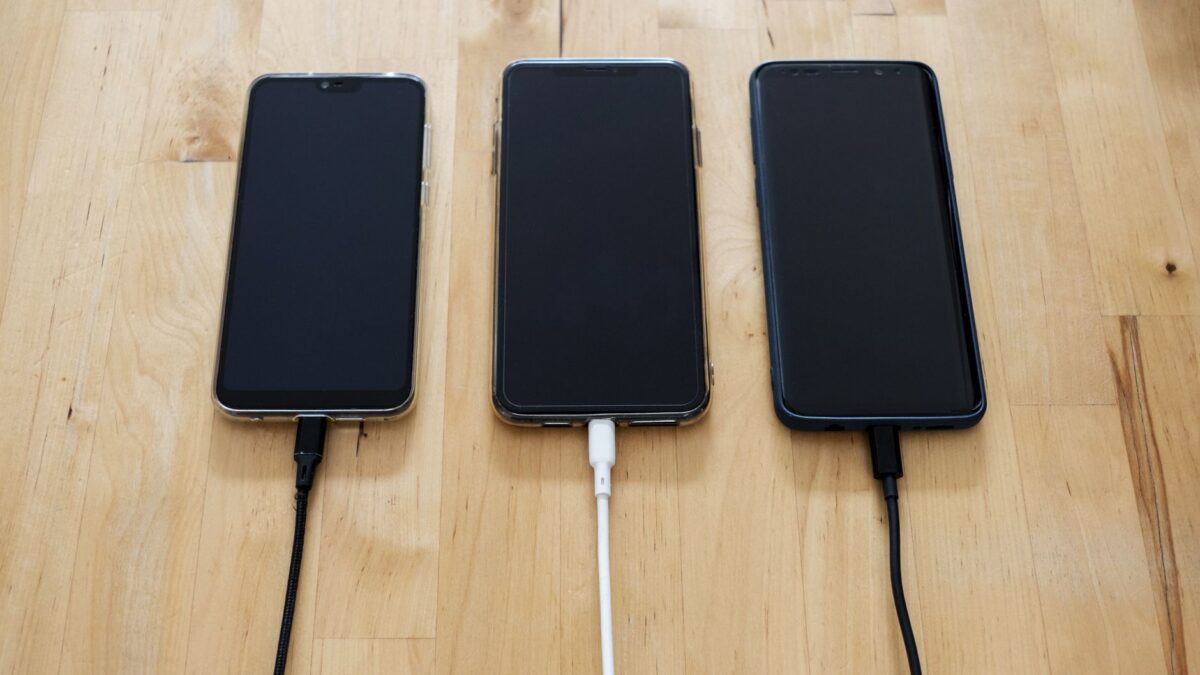
To clean a phone charging port safely, turn the phone off, shine a light into the port, and lift out lint gently with a wooden or plastic toothpick or a dry, soft brush. Never use metal pins, liquids poured into the port, or anything that scrapes the contacts. Most loose or slow-charging connections come from pocket lint packed into the bottom of the port, and it usually comes out in a minute or two.
How do you know the charging port needs cleaning?
A dirty port usually shows up as a charging problem before you see anything. The common signs are:
- The cable does not click in fully or sticks out slightly.
- Charging starts and stops when the cable moves.
- The phone charges only at one angle.
- Wired headphones, car play connections or data transfer drop out.
- You can see grey fluff or grit when you shine a flashlight into the opening.
Rule out the cable and charger first. Try a second cable and a different wall adapter. If the second cable seats properly and charges steadily, the original cable is the problem and the port can be left alone.
What tools are safe for cleaning a phone port?
Safe tools are soft, dry and nonconductive. Good choices include:
- A wooden or plastic toothpick, ideally a flat one, used along the walls of the port.
- A clean, dry, soft brush, such as an unused small paintbrush or an anti-static brush sold for electronics.
- A flashlight or the light on a second phone, so you can see what you are doing.
- Reusable putty or adhesive made for cleaning keyboards, pressed lightly at the opening only, if it comes away cleanly.
Avoid metal tools: paper clips, SIM-eject pins, needles and tweezers. Metal can scratch or bend the contacts, and on a phone that is switched on it can bridge two pins and cause a short. Cotton swabs are too thick for most ports and leave fibers behind.
How do you clean a charging port step by step?
Work slowly in good light, and stop if you feel resistance you cannot explain.
- Power the phone off fully and unplug any cable or accessory.
- Remove the case if it covers the port edge.
- Shine a light into the port and look for lint, sand or a packed layer at the back wall.
- Tap the phone gently, port facing down, against your palm to shake out loose grit.
- Brush the opening with a dry, soft brush, sweeping outward.
- Slide a wooden or plastic toothpick along the inner walls and the back of the port, then pull it outward to drag lint toward the opening. On a USB-C port, the center has a thin tongue that holds the contacts; work around it and do not press or pry on it.
- Repeat with light pressure until no more debris comes out. Packed lint often comes out as a flat felt-like layer.
- Check again with the light, then plug in a cable. It should seat with a firm click.
The outside of the phone and the area around the port can be wiped with a lint-free cloth. Apple Support and Samsung Support both publish cleaning guidance for their devices, and following the maker’s instructions for your model protects the warranty.
Is compressed air or alcohol safe for a charging port?
Compressed air and liquids carry more risk than a dry pick and brush, so treat them as a last resort or skip them. A strong blast of air can drive lint deeper into the port. Canned air held at an angle or upside down can spray cold liquid propellant. Some phone makers advise against using compressed air on their devices at all, so check your model’s support page first.
Never pour or spray any liquid into the port. Isopropyl alcohol is sometimes used by repair technicians on contacts, but a home user can easily let it run into the phone, and water-resistance seals are not designed for cleaning fluids. Keep alcohol, household cleaners and window spray away from the opening. When you use any cleaner on the outside of the phone, follow the label, ventilate the room and keep the bottle away from children and pets.
What should you do if the port got wet?
A wet port needs drying time, not cleaning. Most phones show a moisture or liquid-detected warning and block wired charging until the port is dry. In that case:
- Unplug the cable and do not force charging.
- Tap the phone gently with the port facing down to let water drain.
- Leave it in a dry place with some airflow until the warning clears.
- Skip hair dryers, ovens and other heat sources, and do not push paper towels or swabs into the port.
- Use wireless charging in the meantime if your phone supports it.
Putting the phone in a bag of rice is a popular habit, and phone makers including Apple advise against it, since grains and starch dust can end up in the port.
What mistakes damage a charging port?
Most port damage during cleaning comes from force or the wrong tool. Common mistakes are:
- Cleaning with the phone switched on.
- Using a SIM pin, needle or paper clip.
- Prying up on the center tongue of a USB-C port or bending the contact pins in a Lightning port.
- Pushing lint further in by jabbing straight toward the back instead of pulling outward.
- Spraying cleaner or blowing hard into the opening.
- Forcing a cable in at an angle after cleaning.
The same approach applies to the USB ports and screens in a car. The guide to cleaning a car dashboard and touchscreen covers soft tools and light pressure around electronics, and the piece on cleaning a car engine bay safely explains why moisture and electrical connectors do not mix.
When should you take the phone to a repair shop?
Get professional help when cleaning does not fix the connection. Signs that the port itself is worn or damaged include:
- The cable still feels loose after the port looks clean.
- You see bent, broken, burnt or green-corroded contacts.
- The phone feels hot near the port while charging, or you smell burning.
- Charging fails with several known-good cables and chargers.
Heat or a burning smell around a charging port is a safety issue: unplug the phone, stop using wired charging and contact the manufacturer or an authorized repair provider. A port repair is usually far cheaper than replacing a phone, and an authorized shop keeps any warranty or water-resistance repair intact.
Quick answers
How often should you clean a phone charging port?
Clean it only when charging becomes unreliable or you can see debris. People who keep phones in jacket or jeans pockets often need a check every few months.
Can you use a SIM-eject tool to clean the port?
No. The SIM tool is metal and can scratch contacts or cause a short. Use a wooden or plastic toothpick instead.
Does a dust plug prevent lint buildup?
A soft silicone port plug keeps most pocket lint out. Remove it before charging and keep it clean so it does not carry dirt into the port.
Why does a USB-C cable fall out of a clean port?
If the port is clear and the cable still slips out, the cable’s connector or the port’s retention springs may be worn. Try another cable, then get the port checked.